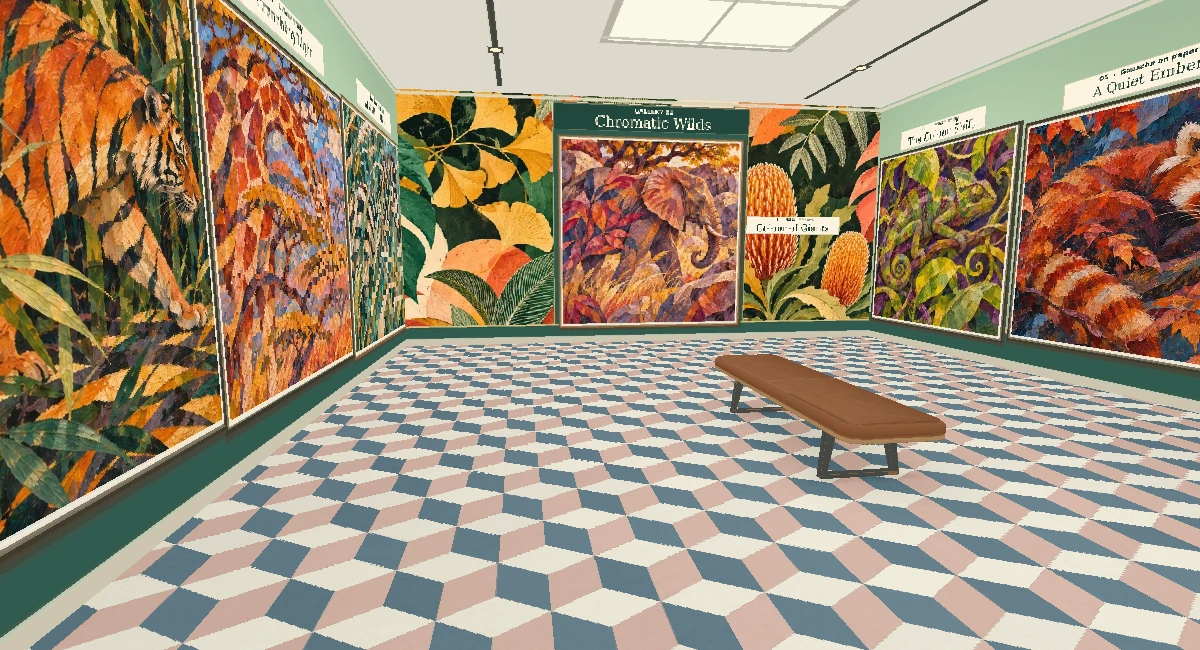

SceneWalk

Walking simulator

Choose your environment.

Explore visually busy spaces at your own pace. Follow a list, or simply enjoy the walk.

A gallery of vividly patterned animal paintings
Animal search

Walk through an exhibition of colour and pattern. Find the animals hidden in plain sight.

Enter gallery
Space Hold to walkBackspace ReverseRelease to stop

How to walk

Choose an environment and sit comfortably in front of the screen.

Walk and rest
Hold Space to move forwards or Backspace to reverse. Release the key to stop. On a touch screen in full screen, hold the scene to walk and lift your finger to stop. In the smaller view, you can also hold the on-screen walking buttons.
Expand the view
Select Expand for full screen. On a computer, select Mouse look to turn without dragging. Press Esc to leave the expanded view.
Look and find
Drag to look around, or use the arrow keys to look sideways. Click a listed item or painting when you find it. You can also aim the centre dot and press Enter.
Set your pace
Choose a walking speed or pause at any time.